
Did I actually make money?

You know what customers paid. See what those bakes left you.

Birthday cakes, school cupcakes and orders from WhatsApp: record the sales, then compare revenue with recorded product costs for the week or month. See what your home baking is earning.

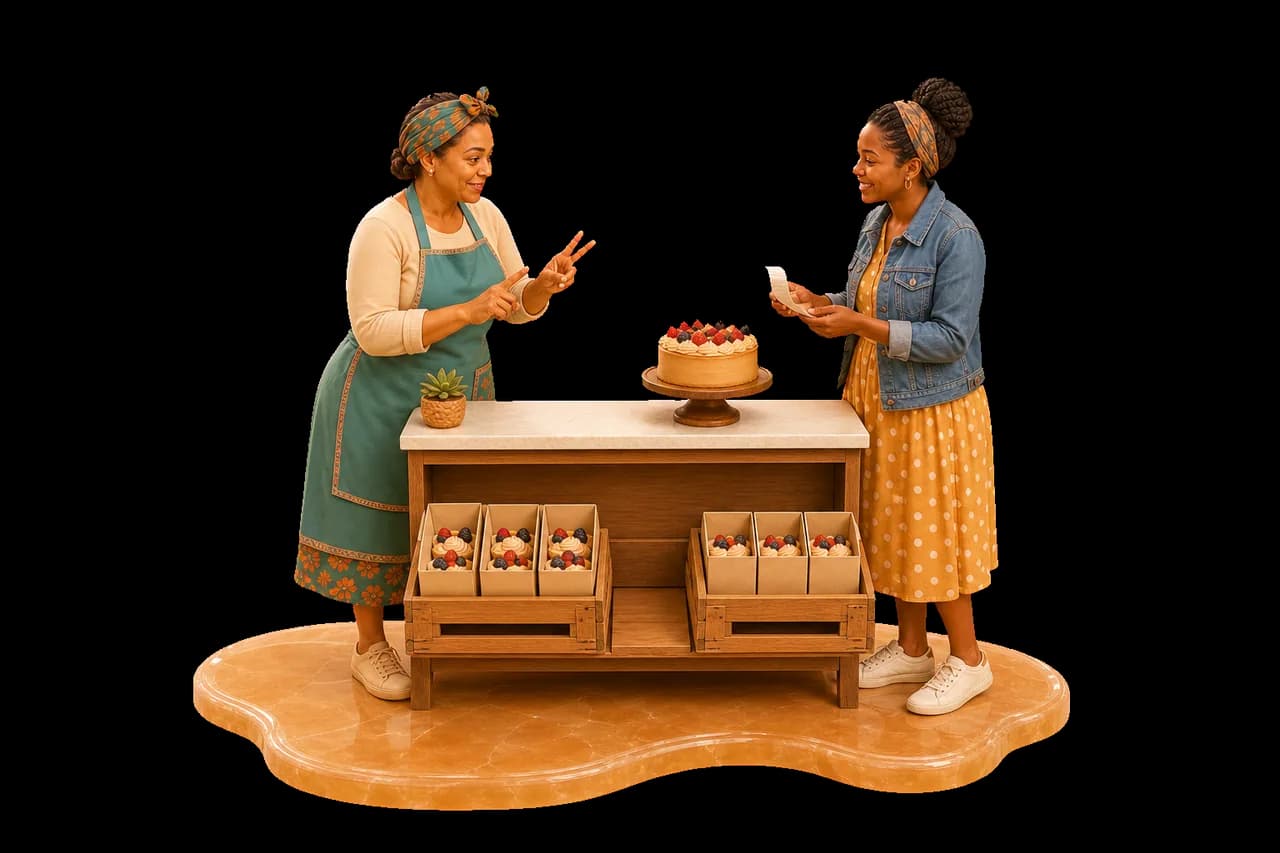
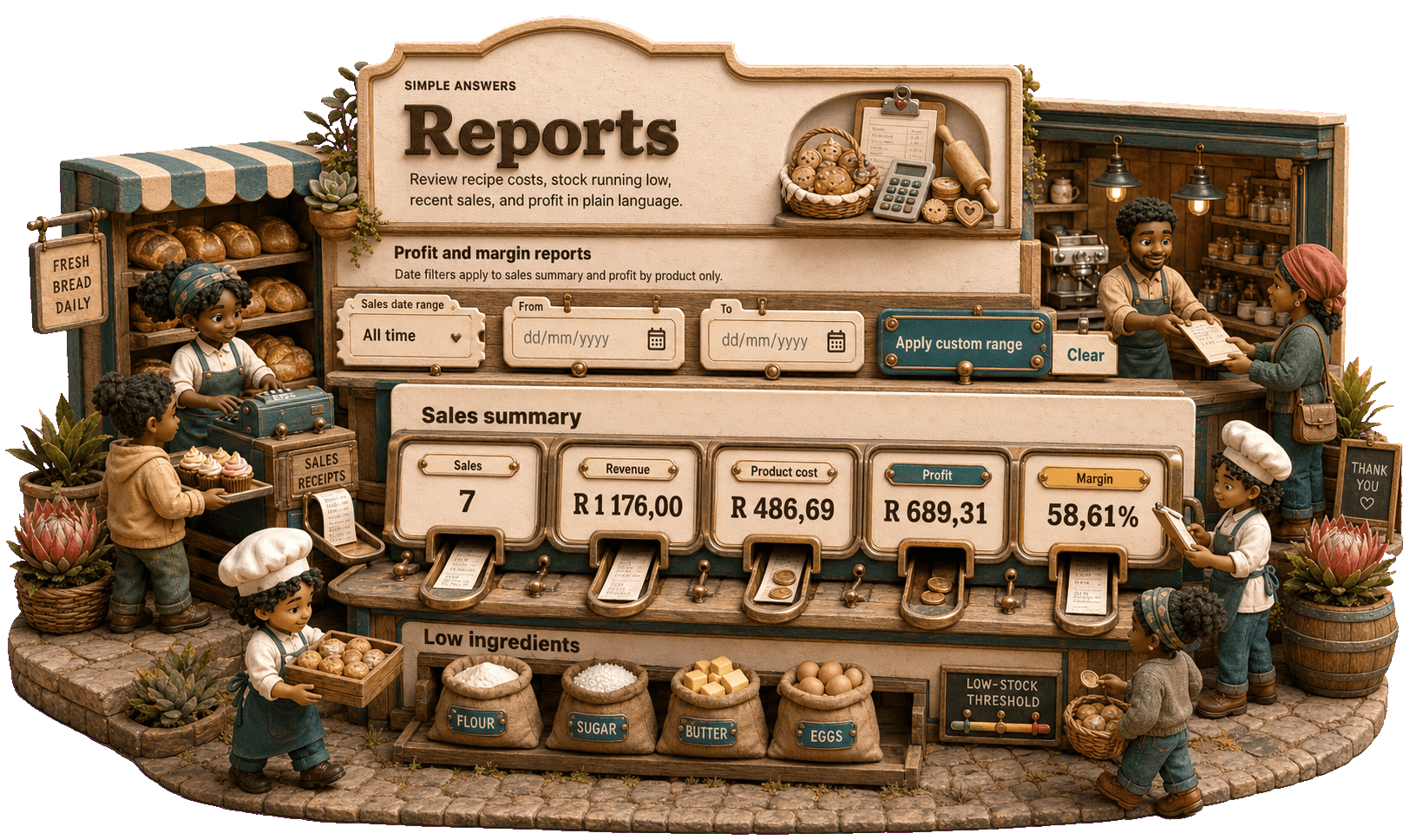
Authentic miniature South African market square and café with bakers, customers, consignment activity and a real profit report

A full order book feels good. Knowing what it earned feels better.

Record the handover

Baker handing a boxed order to a customer at a South African market

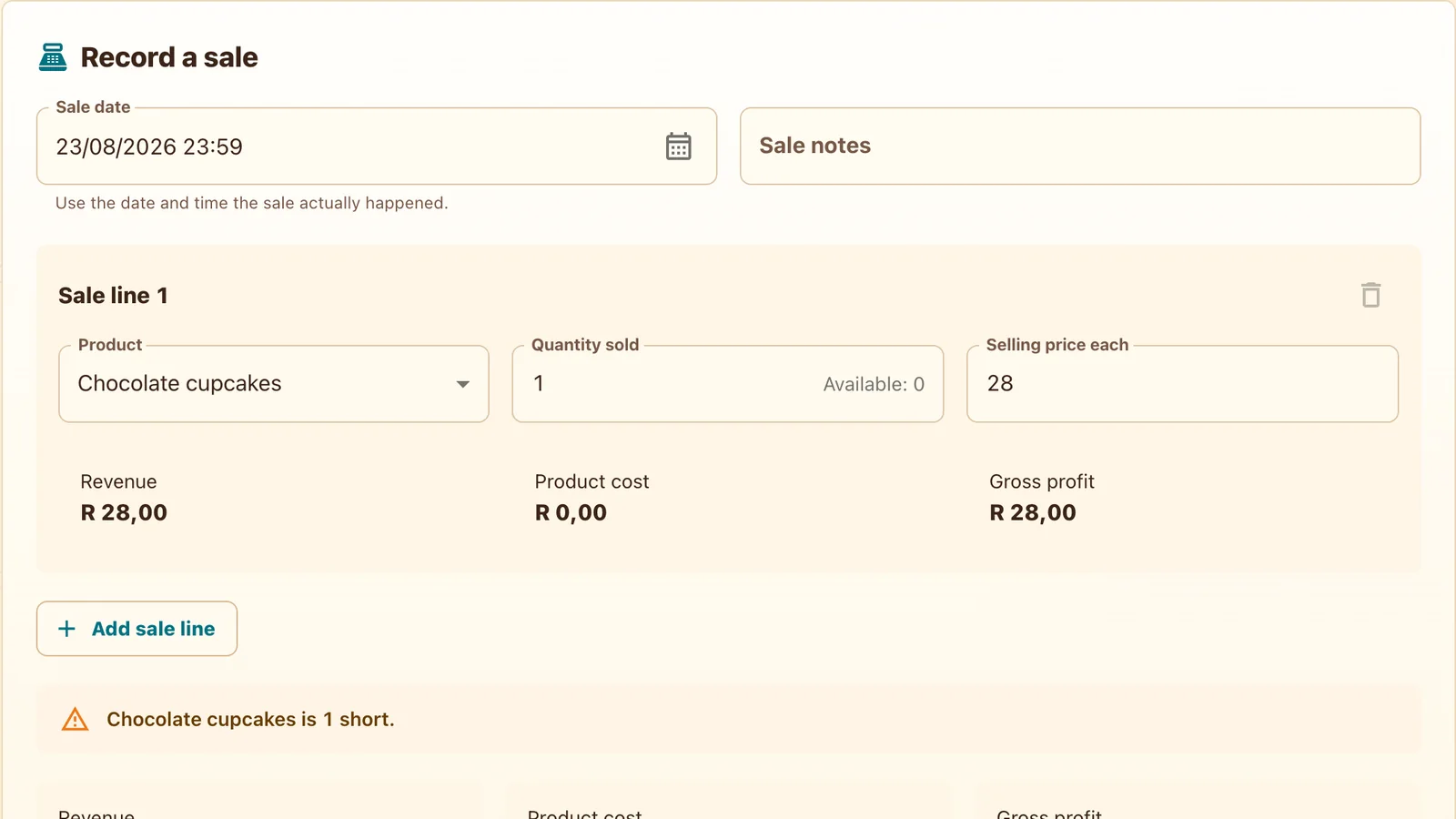
Record the cakes that left your kitchen.

After recording your bake, choose the finished product, quantity and actual selling price in Sales. Preview and confirm the sale—even when it was a favour for a friend.

  • Direct sales
  • Sale preview
  • Finished-stock movement
  • Undo when you make a mistake

Read the result

Older baker reckoning the day’s Rand beside a till slip, calculator and cash tin

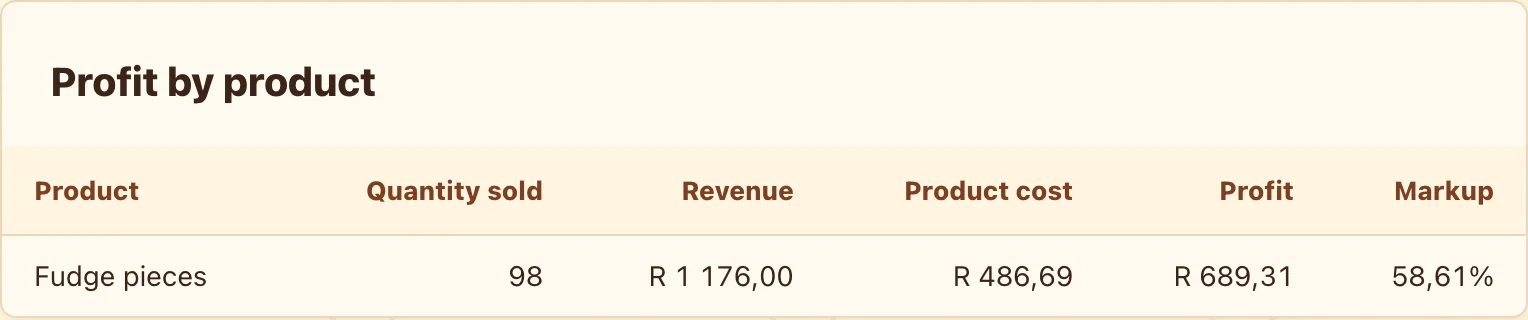
Find the products doing the heavy lifting.

Use dashboard trends and date filters to compare sales and profit. Look by product, follow stock history and reverse a recent mistake without fear.

  • Dashboard trends
  • Profit by product
  • Date filters
  • History and undo

Track the stock that travels

Baker settling a café consignment beside delivery and return cratesSix went out. How many came home?

Consignment does not disappear into a notebook.

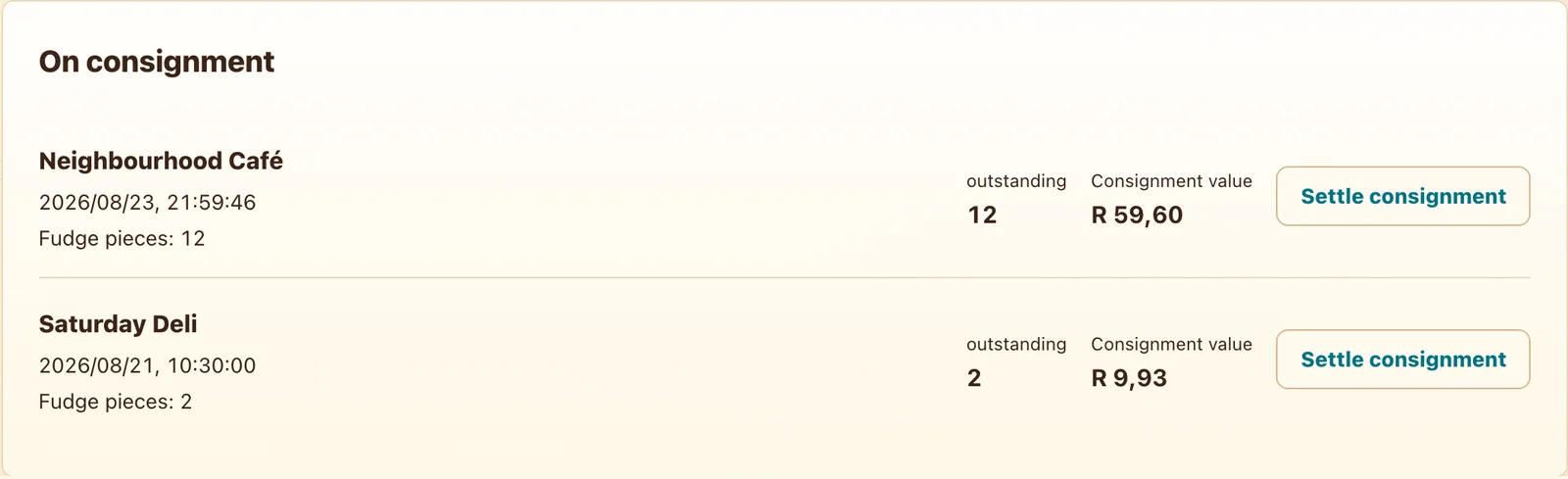
Record products left with a café or shop, then settle what sold and what came home. You can see what is still out there.

  • Consignment deliveries
  • Returns and settlements
  • Stock still with outlets
  • Clear movement history

A real view from the app

The month’s sales, costs and recorded profit.

Revenue is the recorded selling amount. Product cost is the cost carried by the products sold; profit is the difference. Labour and overhead depend on your costing settings, and electricity needs a rate and recipe time. Demo figures may exclude these. The report is not take-home pay or your bank balance.

R

A full order book feels good. Knowing what it earned feels better.

Date-filtered sales, cost and profit report in Rand
Read what remained
Sale preview with product quantity and total
Confirm what left
Consignment settlement with sold and returned quantities
Settle what travelled

In baker language

From question to answer, without the detour.

  1. Cake box handover and sale receipt

    Record what left

    Direct sale or consignment.

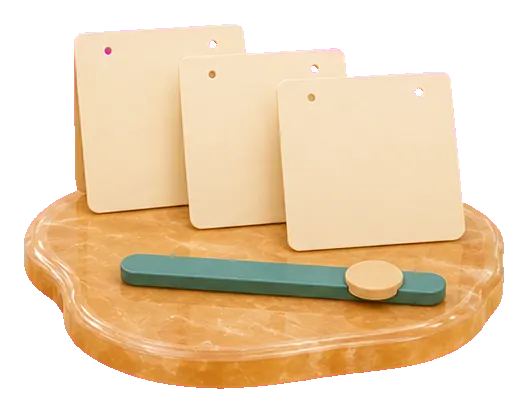
  2. Small date-range calendar cards

    Choose the dates

    Today, the market weekend or the month.

  3. Cash tin, calculator and simple profit chart

    See what remained

    Sales, costs and profit by product.

Good to know

Straight answers.

Does profit include my time and electricity?

Only when those costs are included in the products you bake and sell. Enable labour and overhead, set your rates and enter recipe time before recording bakes. Sales reports use recorded product costs; changing today’s recipe settings does not rewrite earlier sales.

Can I record products left at a café?

Yes. Consignments track what went out, what sold, what returned and what is still there.

What if I record the wrong sale?

Preview before confirming and use the history to undo a recent mistake.

Can I compare products?

Yes. Reports show profit by product across the date range you choose.

Another question, answered

Why is all this free?

See the full story ↗

Close the day with an answer

Record today’s sales. Find the bakes that earned.

Try a few demo sales and watch revenue, cost and profit settle into one clear view.

See the numbers