What did this recipe really cost?

Start with your usual dozen cupcakes.

Work out what your cupcakes or homemade cake cost in Rand, including ingredients, packaging and your time. Bring your recipe, ingredient pack sizes and prices; start with one familiar batch.

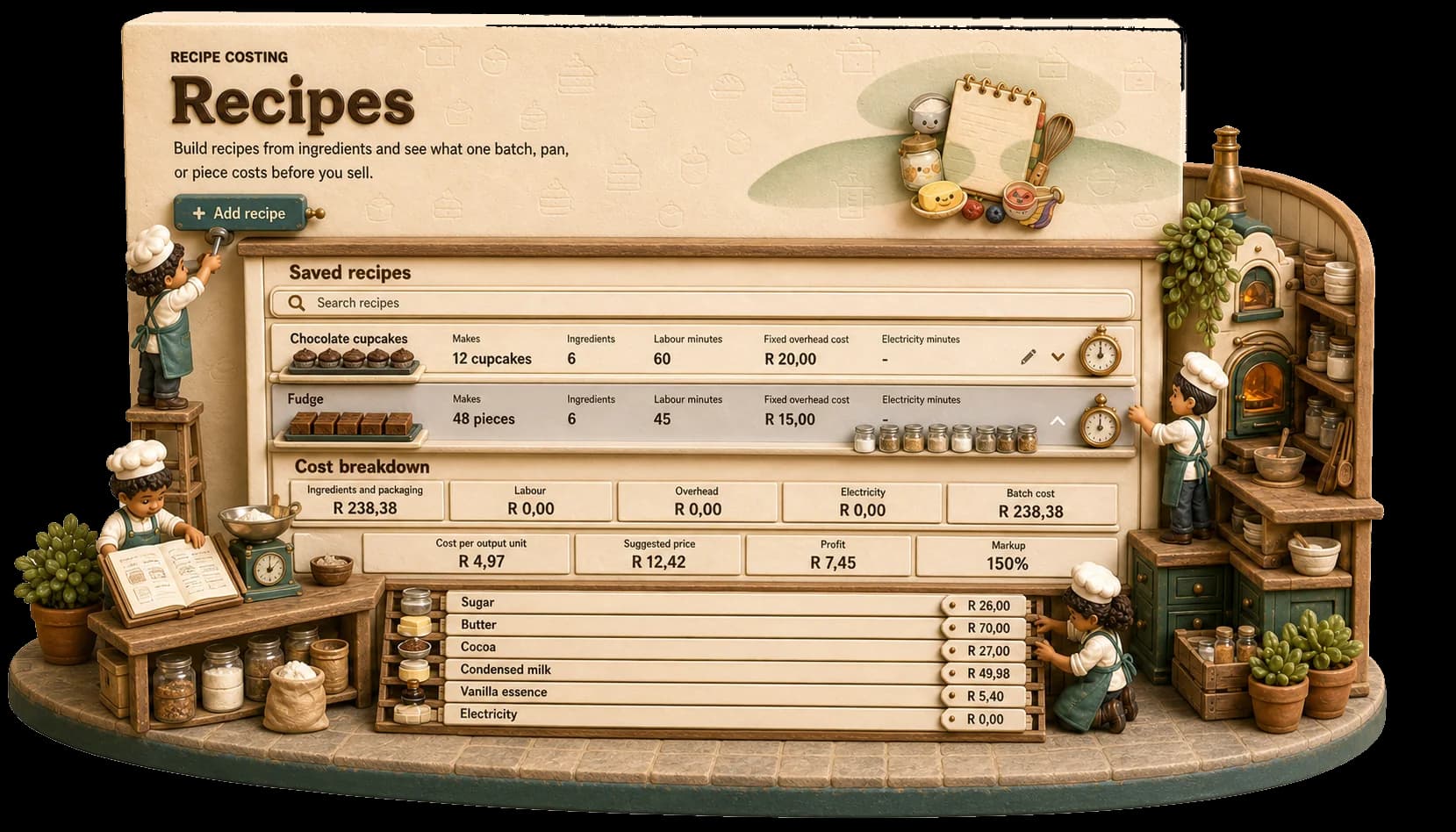
Miniature costing kitchen with bakers weighing ingredients, checking purchases and reading a real recipe-cost panel

When butter jumps again, your recipe answer changes with it.

Start with what you paid
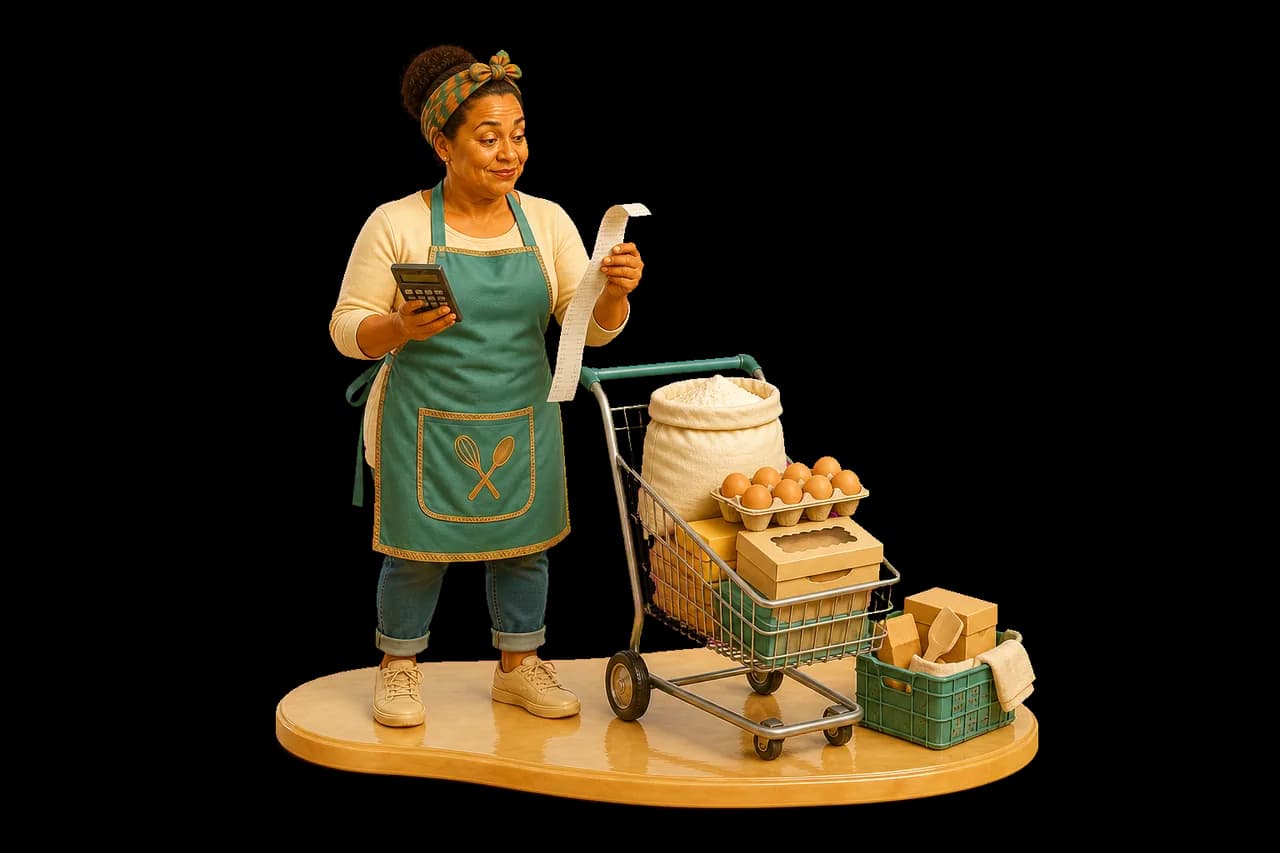
South African baker checking a long grocery receipt beside flour, eggs, butter and bakery packaging

Purchases become useful, not paperwork.

Record the bag, bottle, packet or box exactly as you bought it. Add delivery when it belongs to that shop, and Stock And Spoon works out the price of the amount your recipe actually uses.

  • Ingredients and packaging
  • Supplier and purchase history
  • Delivery spread across the shop
  • Changing prices carried forward
Write recipes your way

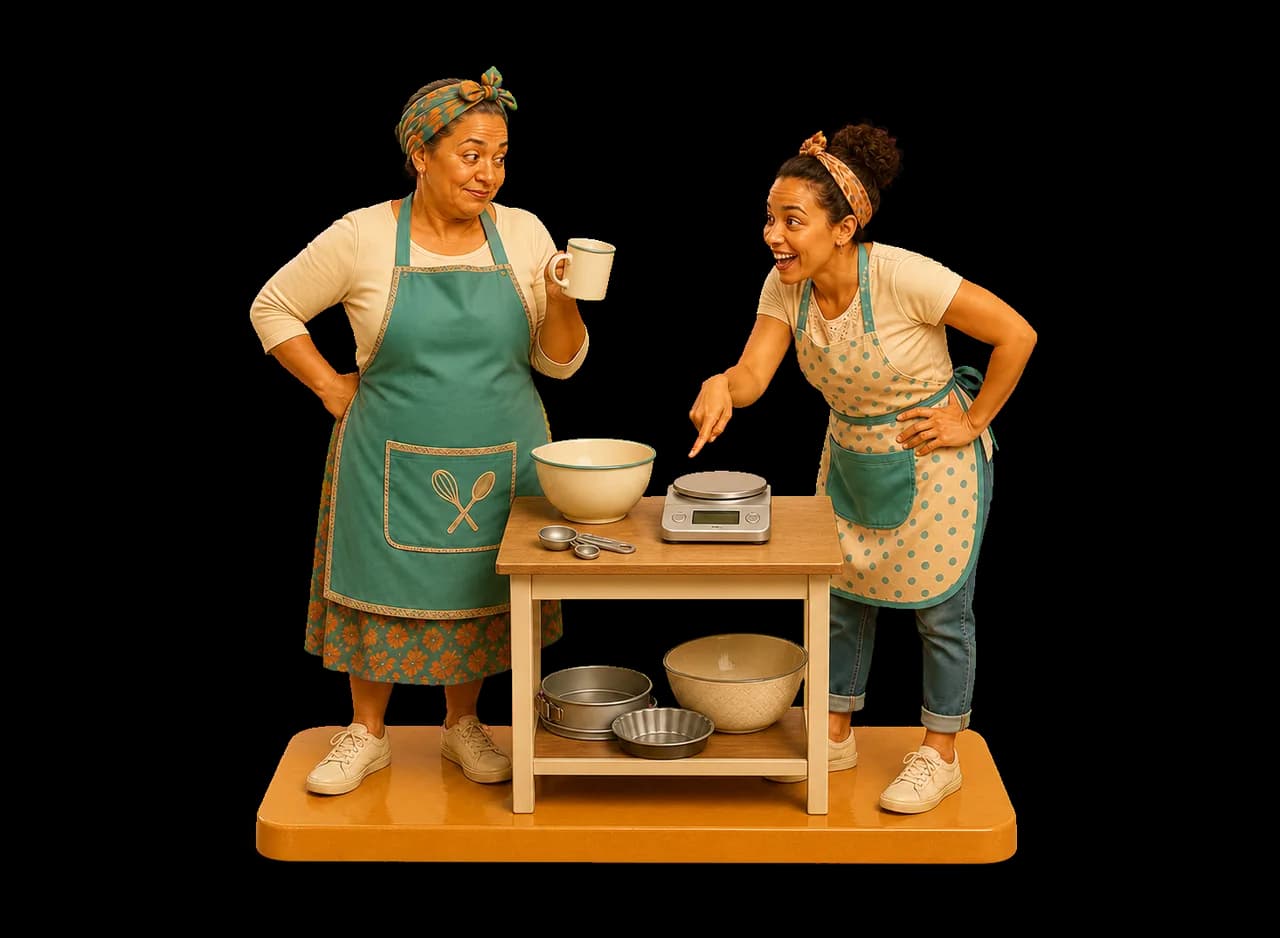
Two generations of bakers comparing a measuring cup with a digital kitchen scaleWhich cup, exactly?

Grams, cups, tins, pans and pieces all belong.

Build the recipe from the quantities you really use. Add packaging beside ingredients, scale the yield and see the useful answer for a whole batch or one sellable piece.

  • Recipe quantities and yields
  • Batch, pan and piece costs
  • Packaging per item
  • Current price comparisons

Count the invisible work

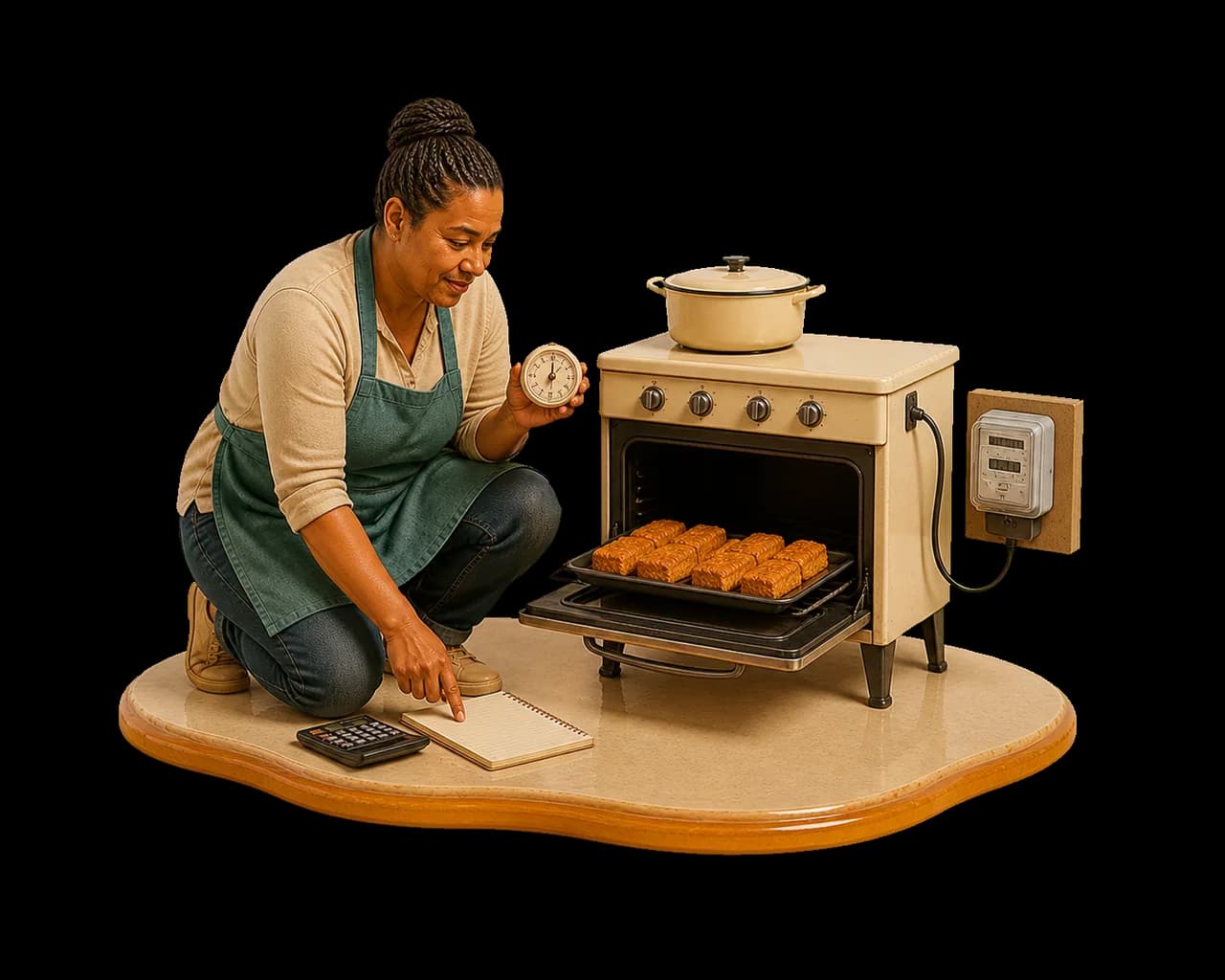
Baker accounting for oven time, electricity and labour beside a working oven

The oven and your time are part of the bake.

In Settings, enable labour and overhead costs and enter your hourly rate. Add an electricity rate and select it as the default. Then enter labour minutes, overhead and electricity minutes on your recipe. Check the breakdown: entering time alone does not switch labour costing on.

  • Labour time
  • Electricity and oven time
  • Overhead allowance
  • Clear cost breakdown

A real view from the app

The useful numbers, close enough to read.

Three focused views show the purchase, the recipe breakdown and the answer you can sell from.

R

When butter jumps again, your recipe answer changes with it.

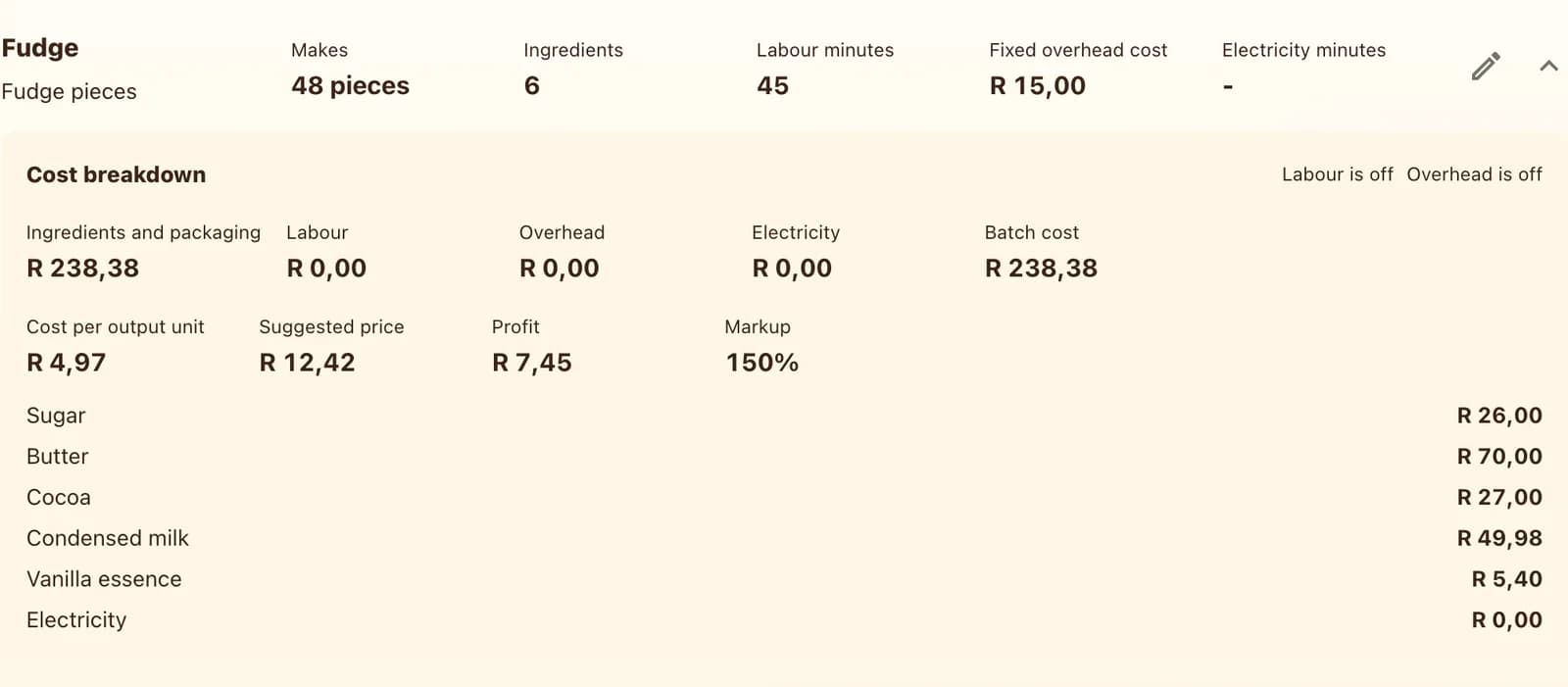
Expanded recipe cost breakdown with ingredients, overhead and labour in Rand
Where the recipe cost comes from
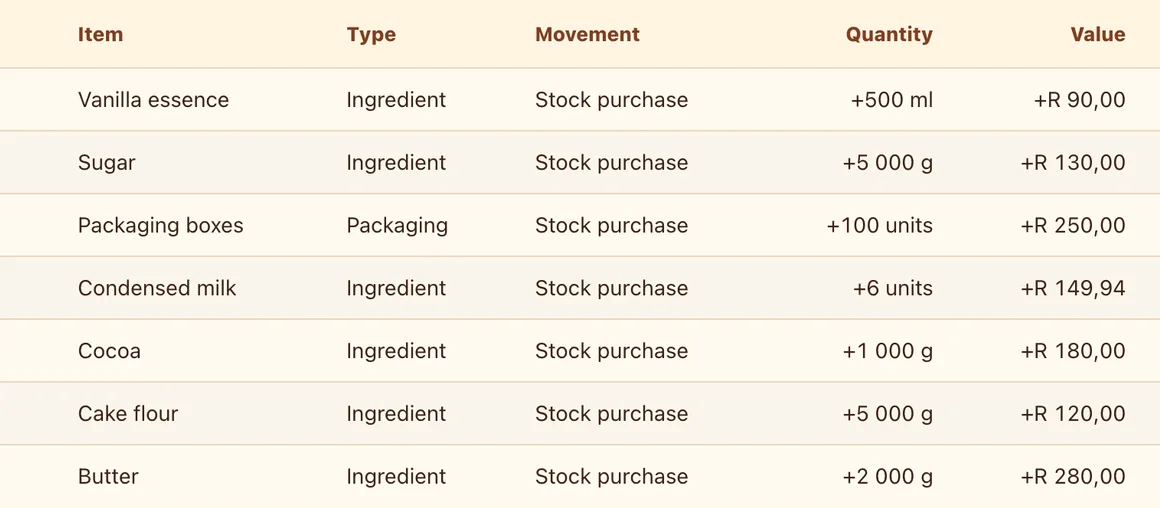
Purchase history in Stock And Spoon with supplier and ingredient entries
What the shop cost
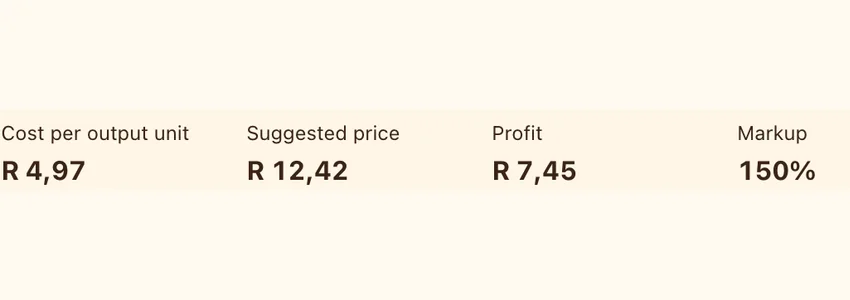
Recipe result showing cost, suggested price, profit and markup per output unit
The answer at every useful yield

In baker language

From question to answer, without the detour.

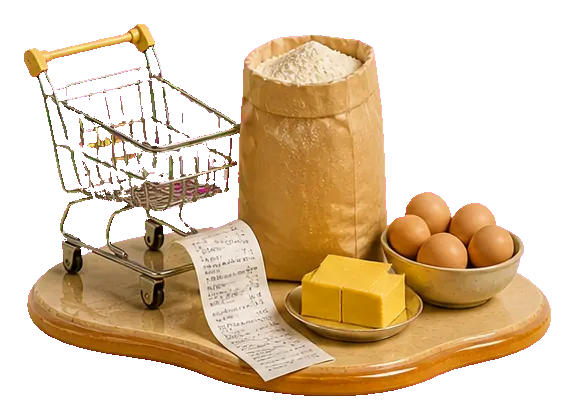
  1. Receipt, ingredient packet and small shopping trolley

    Add what you buy

    Add the ingredients and packaging you buy, then record purchases with pack sizes and prices. Use the baking items from your shopping slip.

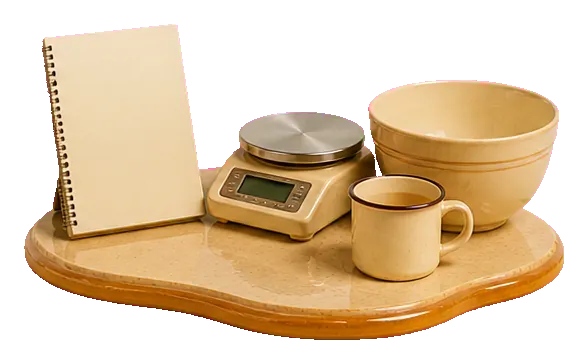
  2. Recipe card, kitchen scale and measuring cup

    Create the product and recipe

    Add your finished cupcakes on Shelf. In Recipes, link the recipe to that product, add ingredient and packaging quantities, and set the yield to twelve.

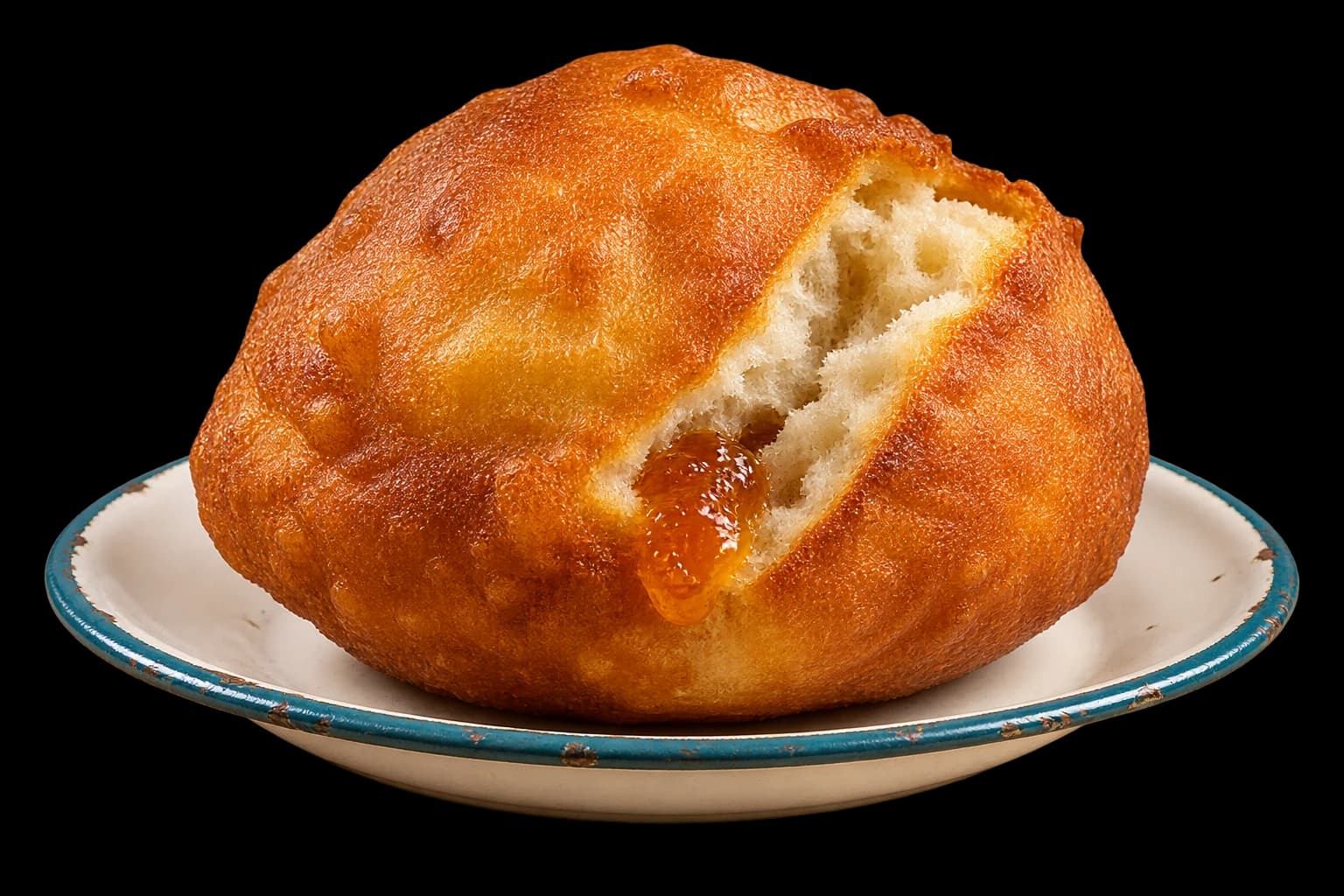
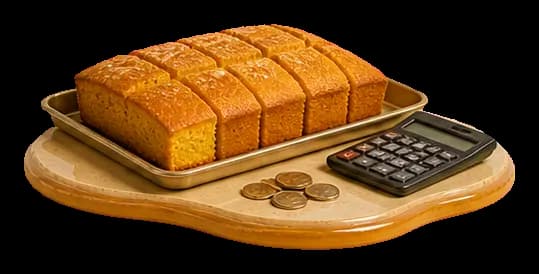
  3. Portioned bake, calculator and South African coins

    Count your time, then quote

    Enable labour and overhead in Settings, set your rates, and enter the recipe’s time and costs. Check the breakdown, then use “What should I charge?” in Bake to test your price.

One familiar recipe at a time

Your first week, at your own pace.

Bookmark this little guide. One costed recipe is a useful start; a monthly report needs your purchases, bakes and sales recorded consistently.

  1. Before your next quote

    Start with your usual cupcakes. Add ingredients and purchases, create the finished product on Shelf, then link your recipe to it. Include packaging, your time and running costs before choosing a price.

  2. When the order is ready

    In Bake, record the batch you made. This uses ingredients and adds finished stock. In Sales, record what you sold and the actual selling price—including any friend’s discount.

  3. When the kitchen is quiet

    Open Reports and choose Last 7 days or This month. Compare revenue, product cost and profit. Missing sales or excluded costs make the picture incomplete; it is not a household bank balance.

  4. Keep a copy safe

    In Settings, find Local data and export a backup. Keep a copy somewhere other than this device. To restore it, import the file in Settings and review the confirmation: importing replaces the current bakery records.

How backups and local records work

Good to know

Straight answers.

What happens when an ingredient price changes?

Add the new purchase and the app uses your current stock value, so today’s recipe cost reflects what is really on your shelf.

Can I include boxes, boards and labels?

Yes. Packaging can be stocked and added to recipes just like ingredients.

Can I count my own time?

In Settings, enable labour and overhead costs and enter your hourly rate. Add an electricity rate and select it as the default. Then enter labour minutes, overhead and electricity minutes on your recipe. Check the breakdown: entering time alone does not switch labour costing on.

Another question, answered

What should I charge?

See the full story ↗

Cost one real recipe

Pick your bestseller. See what it actually costs.

Open the app and load the demo to explore. When you are ready, begin your own records with one recipe and the purchases it needs.

Cost a batch