Why is all this free?

Built for a sister’s bakery. Free for yours, too.

Pieter built Stock And Spoon to help his sister Anna-Marie track her baking profit. You can use the whole app without an account, card or subscription. Start with a look around the demo.

Warm miniature home-kitchen command centre with a baker, phone, laptop, tidy backup files and a real installation screen

Open the door first. Decide what to bake next.

No account, no subscription

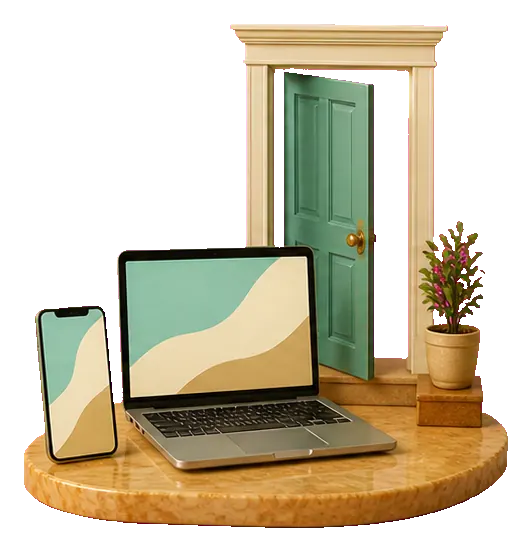
Baker carrying a tray through an open ungated doorway into the free bakery appNo card? Correct.

There is nothing to unlock and nothing to cancel.

Open the app and use the whole bakery. No email gate, payment card or trial countdown stands between you and the first recipe.

  • Free to use
  • No account
  • No subscription
  • No locked feature tier

Your device, your records

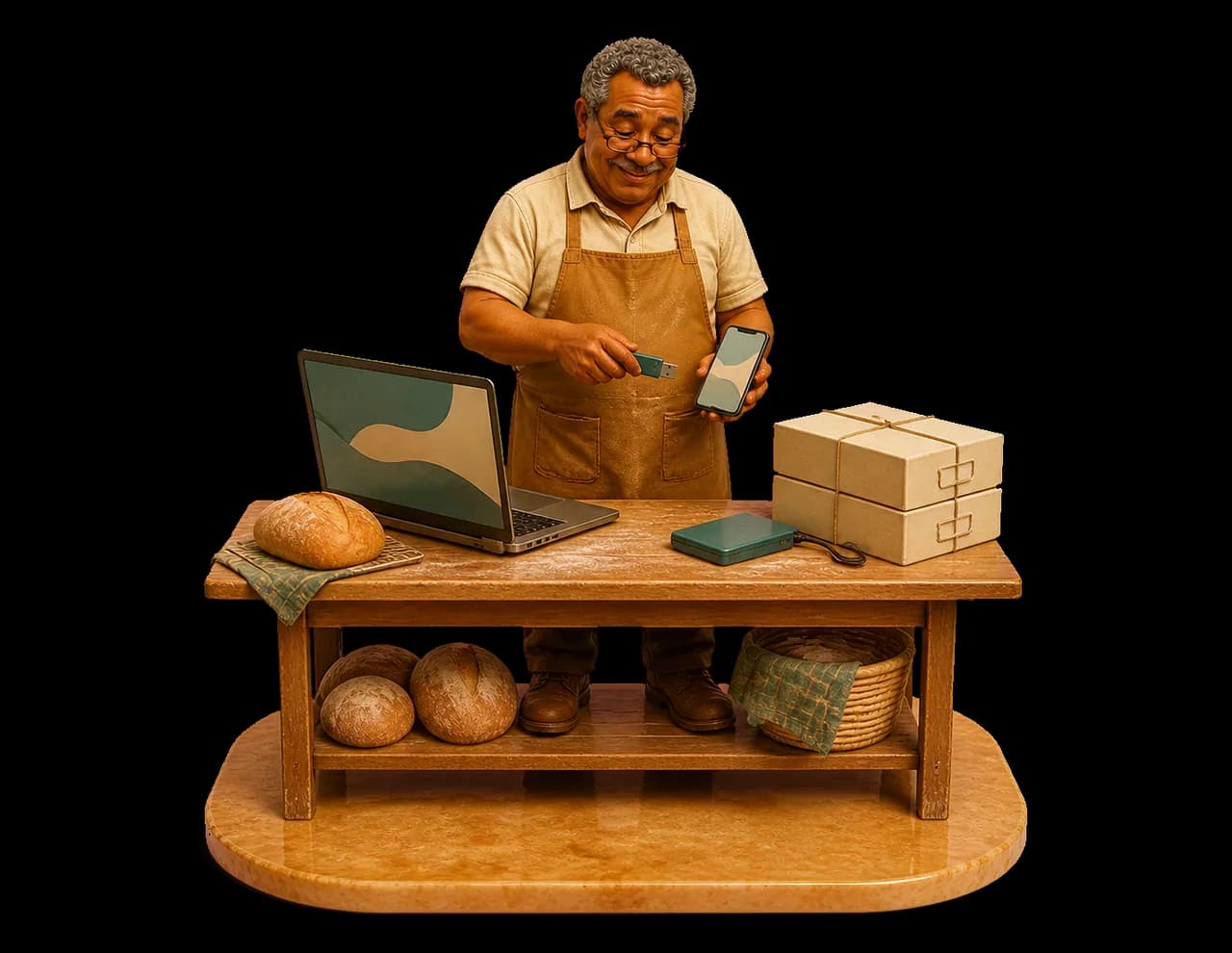
Baker moving a backup file safely between a laptop and phone

Keep a backup beyond your phone.

In Settings, open Local data and export your bakery data. Save a copy somewhere other than this device. To restore it, choose the import control, select your backup file and review the confirmation before replacing the current records. Records do not automatically sync between devices or browsers.

  • Export in Settings
  • Save a copy off this device
  • Import replaces current records
  • No automatic device sync

Ready for real kitchens

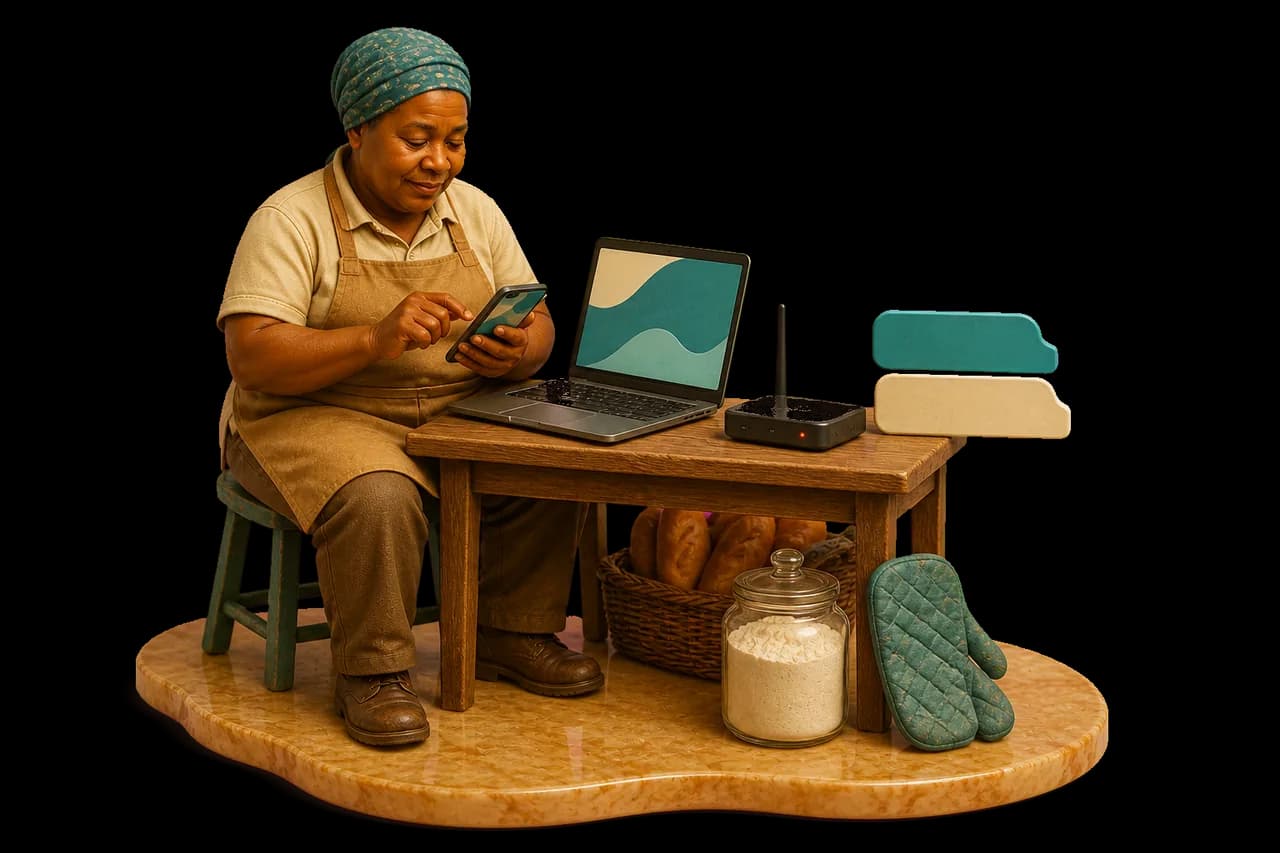
Phone and laptop running the bakery app beside a patchy connection indicator

Install it, use it offline, speak your language.

Add Stock And Spoon to your phone or computer so it opens like an app. It works when the connection is patchy, uses Rand and is complete in English and Afrikaans.

  • Installable app
  • Offline use
  • Rand throughout
  • English and Afrikaans

Explore before you commit

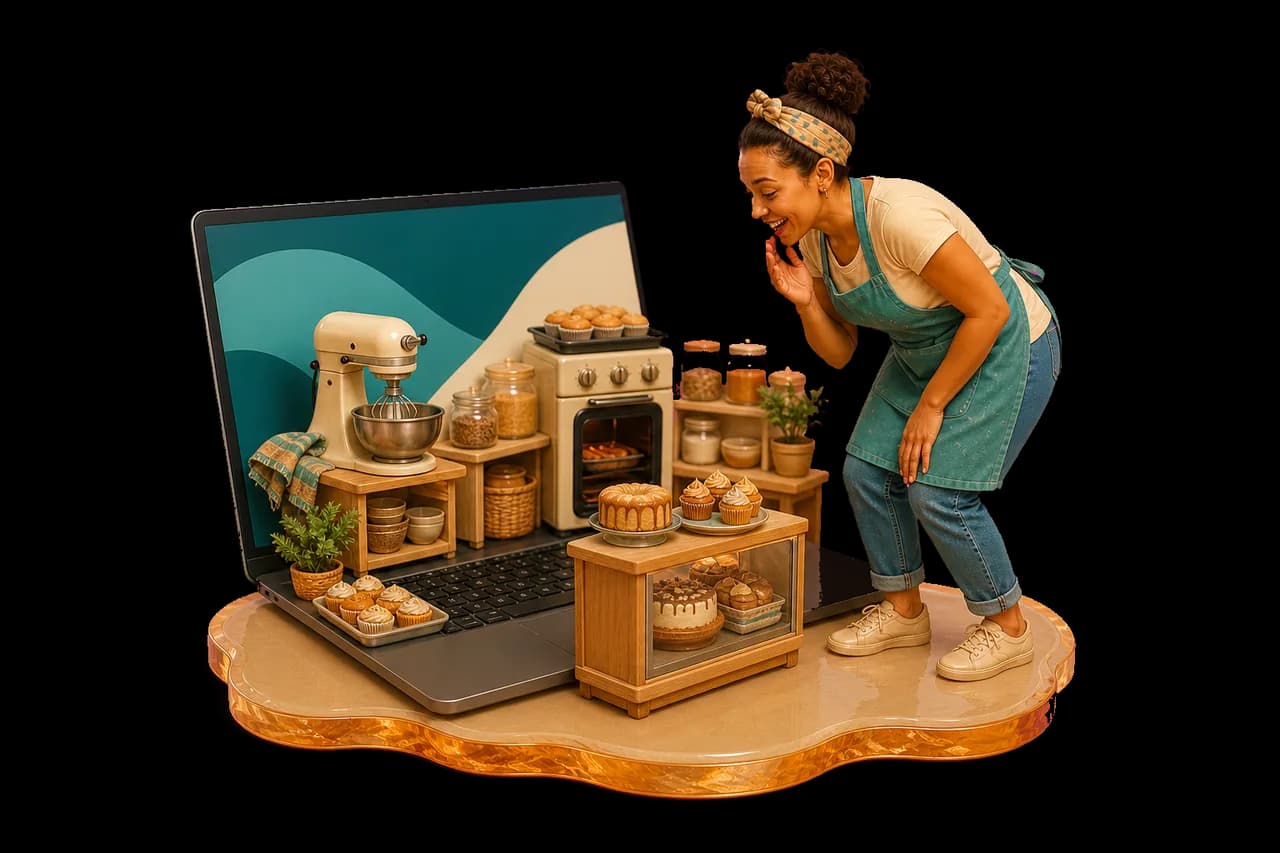
A miniature demo bakery coming alive from a laptop as a baker explores it

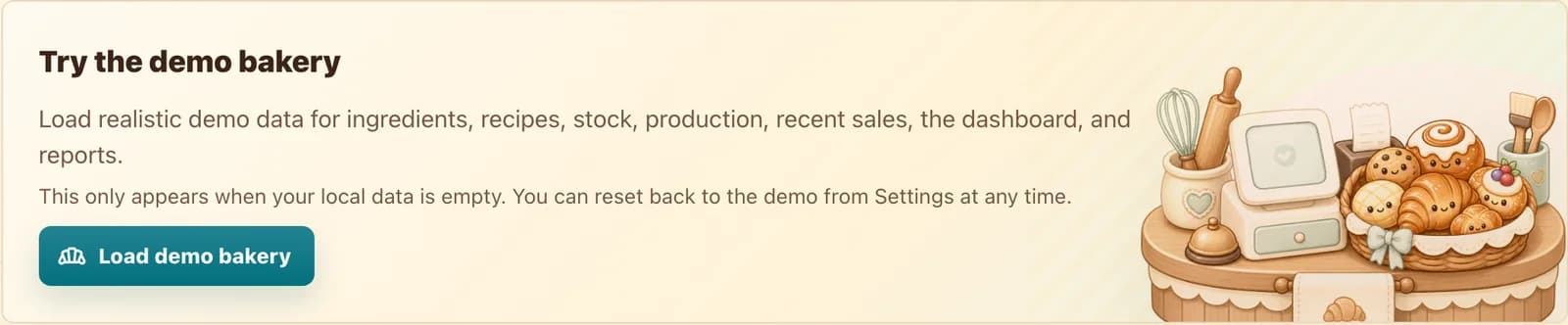
A demo bakery shows the whole rhythm.

Load ready-made demo data, follow the guided setup and look around. When it makes sense, remove the demo and begin with your own ingredients.

  • Demo bakery
  • Guided setup
  • Helpful tips
  • Start fresh whenever you are ready

A real view from the app

Nothing hidden behind the friendly promise.

Installation, backup controls and the demo are shown as they really appear in the app.

R

Open the door first. Decide what to bake next.

Backup, import and delete bakery-data controls
Keep the records in your hands
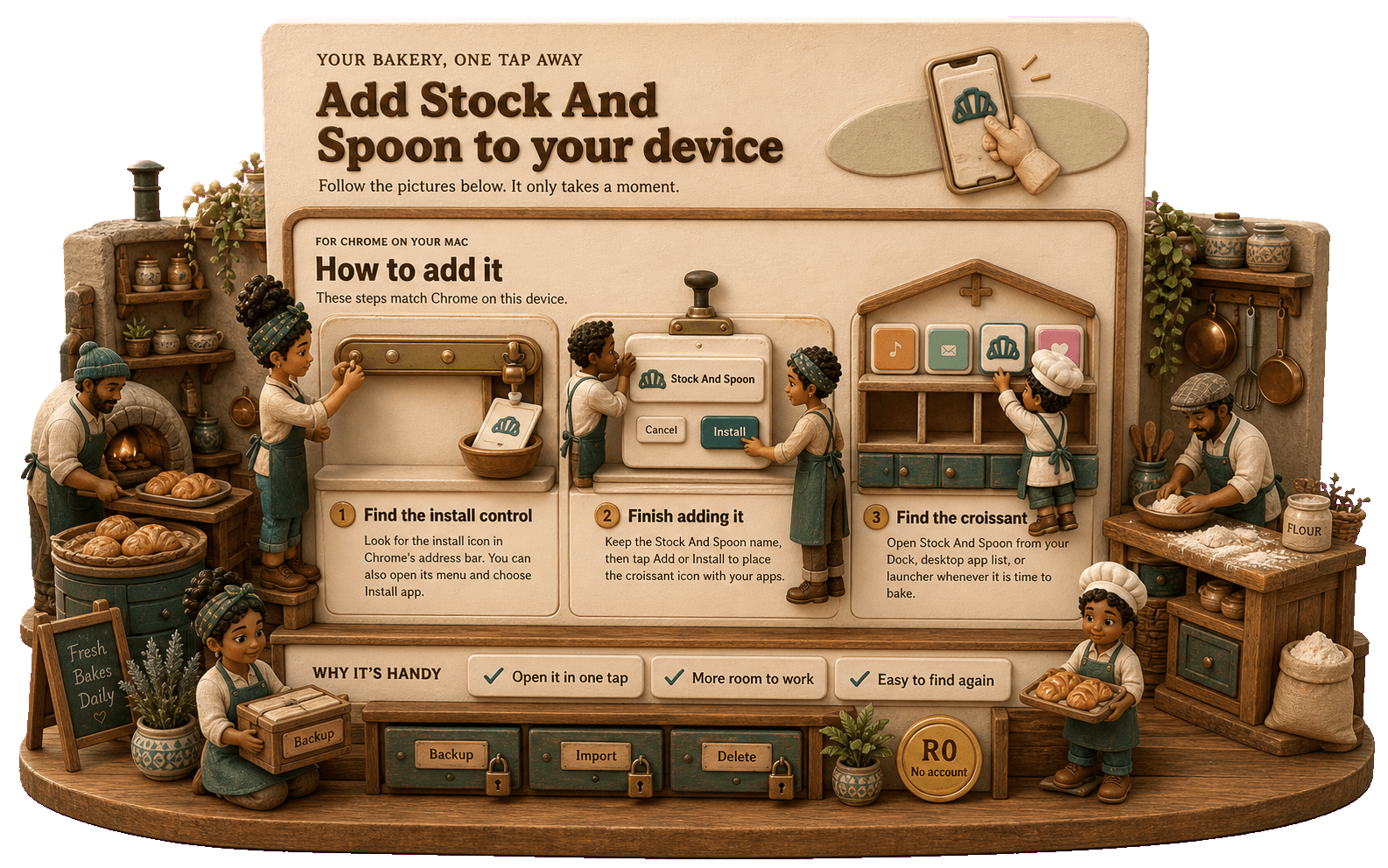
Stock And Spoon installation controls
Install the whole app
Demo bakery, language and offline controls
Explore before you begin

In baker language

From question to answer, without the detour.

  1. Phone and laptop with an open app doorway

    Open the app

    No account stands in the way.

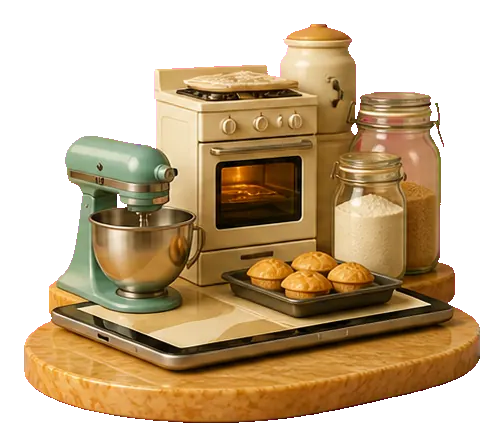
  2. Tiny demo bakery kit emerging from a device

    Load the demo

    On the empty Home screen, choose “Load demo bakery”.

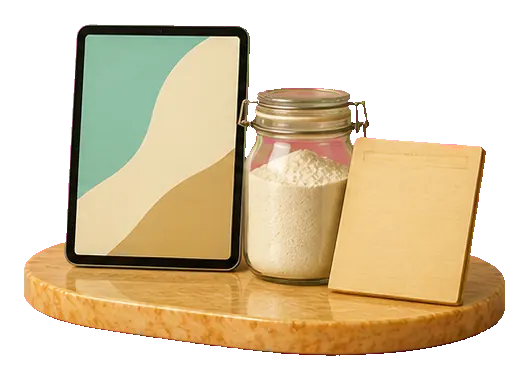
  3. First flour jar, recipe card and clean device

    Start your own

    Delete the demo and add your first ingredient.

Good to know

Straight answers.

What is the catch?

Pieter made the app to help his sister Anna-Marie track her baking profit, and you can use it too. There is no paid tier, account, subscription or trial countdown.

Will my data appear on another device automatically?

No. Bakery records stay on the device. Use the backup and import controls when you want to move them yourself.

What if I lose or replace my phone?

Restore a recent backup on your replacement device using Settings → Local data → Import. Importing replaces the records already on that device. Without a backup saved elsewhere, records on a lost phone cannot be recovered through an account.

Can I use it without internet?

After installation and an initial visit, the app is built to keep the core bakery work available offline.

Another question, answered

What did this recipe really cost?

See the full story ↗

A useful start, without another bill

Use the whole bakery app. Keep your card in your wallet.

No trial clock and no locked essentials. Open it and start with a real recipe.

Open the free app